 Pointfix
Point
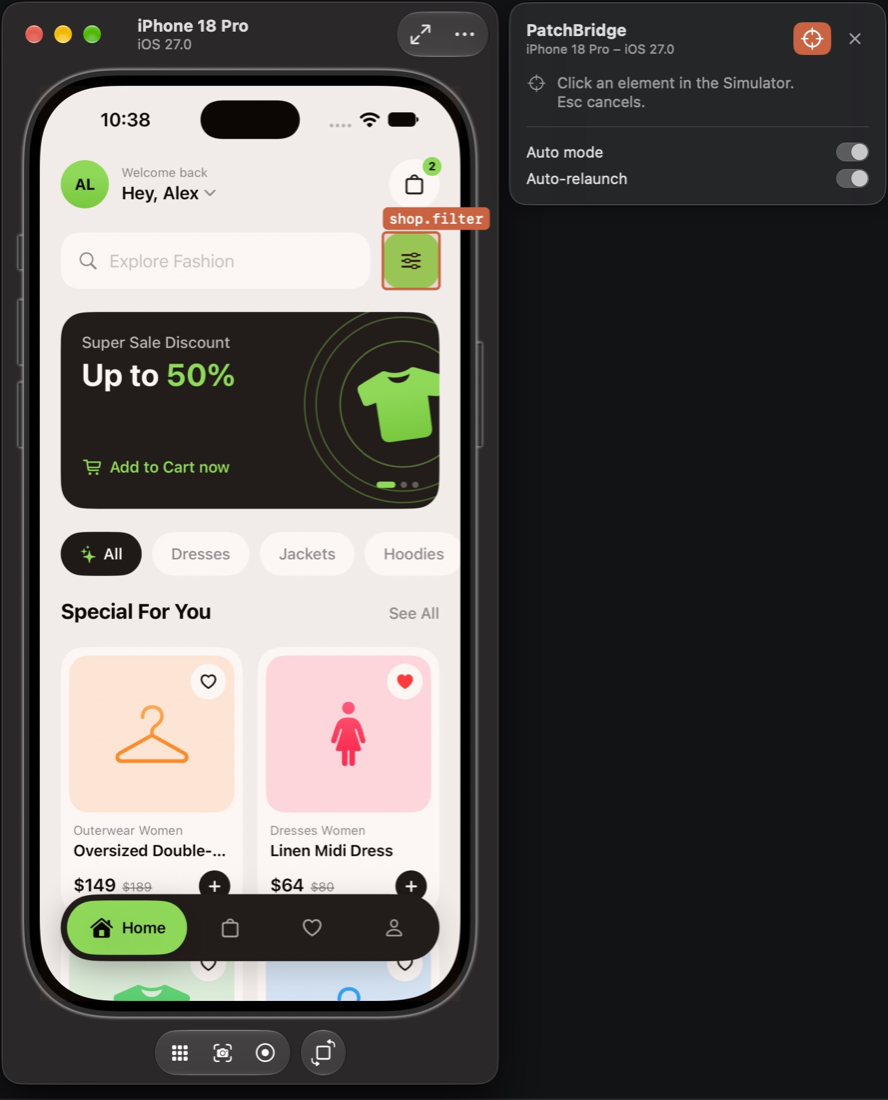
Long-press an element in the iOS simulator or Android app, use the Mac Simulator panel’s target, or ⌥ ⇧ click on the web.
Pointfix connects your running iOS simulator, Android build or web page to the coding agent you already use. Select an element, say what should change, and review the fix in the relaunched app before anything is committed.
brew install pointfix-dev/tap/pointfix
You stay in the app you’re building. Pointfix hands the request to your agent and brings the result back to the screen you were looking at.
Long-press an element in the iOS simulator or Android app, use the Mac Simulator panel’s target, or ⌥ ⇧ click on the web.
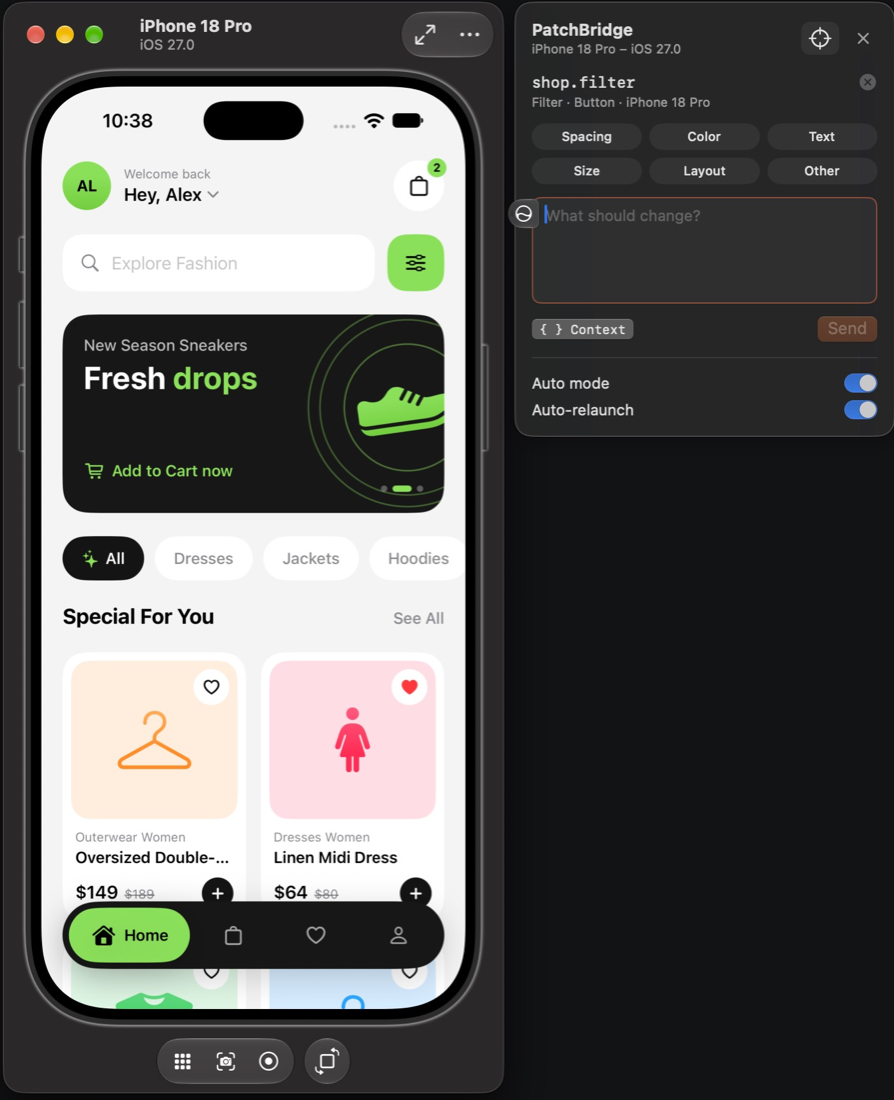
Say what should change in plain words. Pick a category if it helps. The screenshot and element context are attached for you.
Your local agent edits the code in your repository. Pointfix rebuilds and relaunches the app, or reloads the page.
Compare Before and Proposed, read the diff, then choose.
Every report becomes a structured packet. The agent starts from the exact view, its identifier and where it lives in your code, so it spends its time fixing instead of searching.
{
  "request": "Make Shop Now a little taller",
  "category": "size",
  "platform": "ios",
  "screen": "Shop home",
  "element": {
    "type": "button",
    "label": "Shop Now",
    "identifier": "checkout.continue",
    "frame": { "x": 40, "y": 344, "width": 113, "height": 40 }
  },
  "source": {
    "matches": ["Sources/SampleView.swift"]
  },
  "environment": { "device": "iPhone 17 Pro" },
  "artifacts": { "screenshot": "before.png" }
}Add a few lines to a debug build. Release builds compile Pointfix out completely.
Long-press in the app, or target elements from the Mac panel next to the simulator, like Accessibility Inspector.
.pointfixHost()
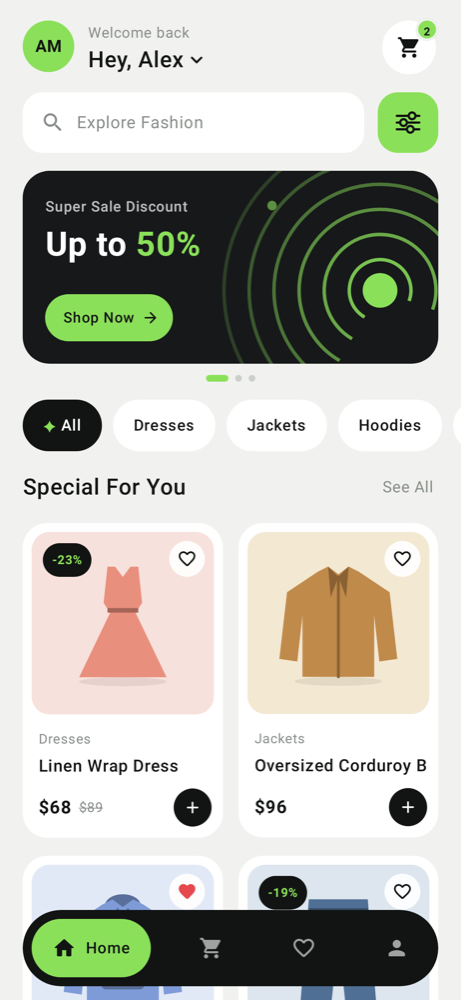
Emulator or a USB device. Compose test tags and View IDs become identifiers.
Pointfix.install(this, "Shop")

One dev dependency, or a script tag without a bundler. Pick any element, and the page reloads by itself once the fix is ready.
npm install -D @pointfix/web
A floating panel sticks to the Simulator window. Hover to highlight elements, like Accessibility Inspector, click one, describe the change and send. No tap-and-hold needed.
Pointfix runs your agent’s command line in your repository, without a chat window. Choose one in Preferences and switch any time.
Claude Code and Codex run on your Claude or ChatGPT subscription, not per-token API billing. Other agents use however you’ve signed in to them.
You live in the simulator. Fix a dozen small layout and copy issues without hunting for the file each time.
Typical: “Tighten the spacing in this row.”
Click the element in your dev server instead of describing it in a chat. The selector, styles and screenshot go with it.
Typical: “This card overflows at tablet width.”
Sit with a developer’s build, point at what’s off and see the fix relaunch in seconds. The developer still reviews every change.
Typical: “Use the secondary text colour here.”
Polish passes go from an afternoon to a coffee. Queue fixes while you test, then review and commit them in one sitting.
Typical: “Make this empty state friendlier.”
Use Pointfix on as many projects as you like. You only pay for your agent, as you already do.
brew install pointfix-dev/tap/pointfixPointfix is free. If it saves you time, you can say thanks Buy me a coffee